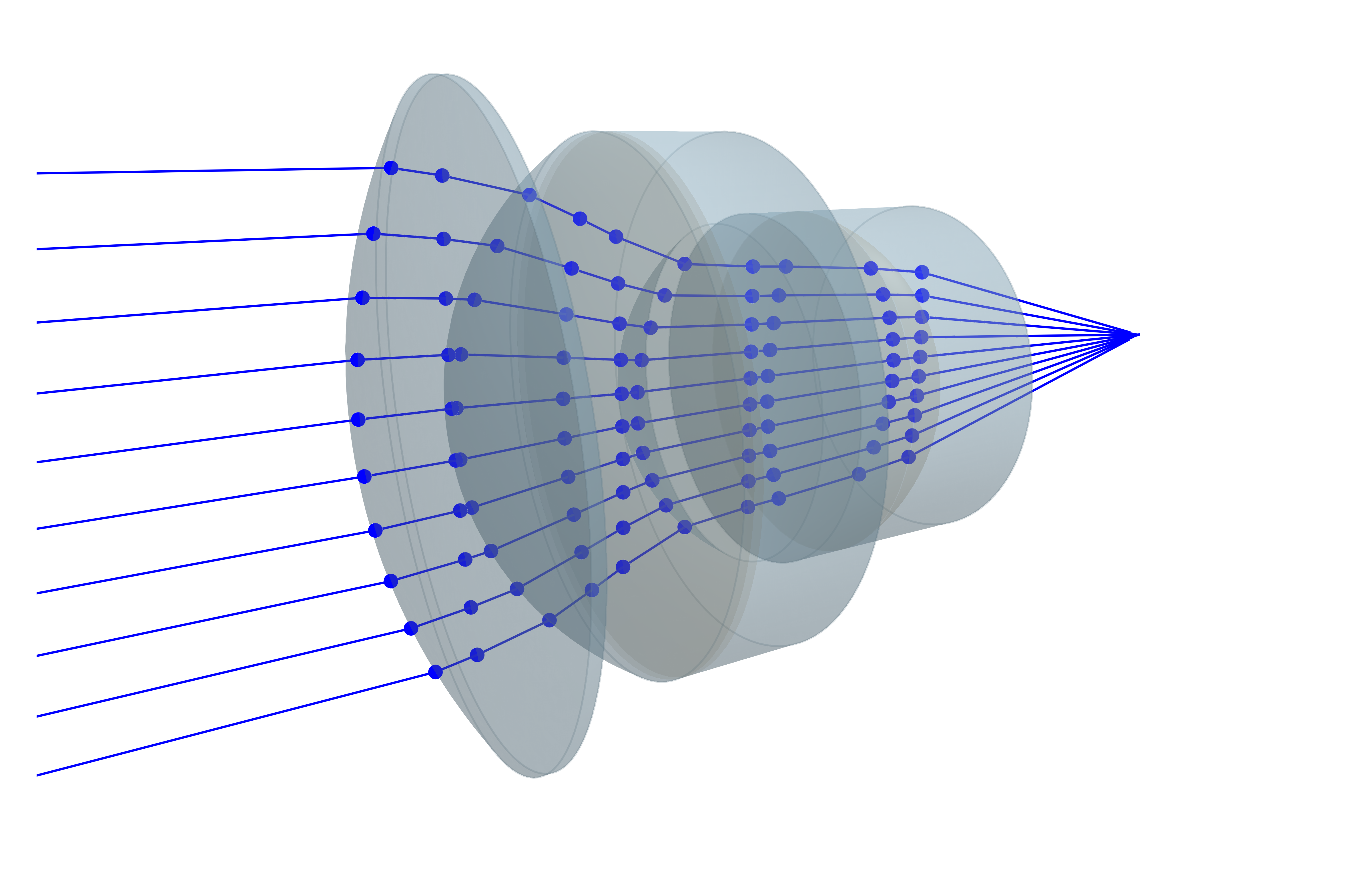
Double Gauss lens
This showcase is taken from the pencilofrays.com website and will demonstrate how to simulate an advanced lens assembly. Firstly, we will define the spherical lenses based on the data given in the mentioned reference.
using GLMakie, BeamletOptics

# define spherical lenses
l1 = SphericalLens(48.88e-3, 182.96e-3, 8.89e-3, 52.3e-3, λ -> 1.62286)
l23 = SphericalDoubletLens(36.92e-3, Inf, 23.06e-3, 15.11e-3, 2.31e-3, 45.11e-3, λ -> 1.58565, λ -> 1.67764)
l45 = SphericalDoubletLens(-23.91e-3, Inf, -36.92e-3, 1.92e-3, 7.77e-3, 40.01e-3, λ -> 1.57046, λ -> 1.64128)
l6 = SphericalLens(1063.24e-3, -48.88e-3, 6.73e-3, 45.11e-3, λ -> 1.62286)

# Calculate translation distances
l_23 = thickness(l1) + 0.38e-3
l_45 = l_23 + thickness(l23) + 9.14e-3 + 13.36e-3
l_6 = l_45 + thickness(l45) + 0.38e-3

# move elements into position
translate3d!(l23, [0, l_23, 0])
translate3d!(l45, [0, l_45, 0])
translate3d!(l6, [0, l_6, 0])

system = StaticSystem([l1, l23, l45, l6])Defining a StaticSystem will allow the compiler to generate more efficient code to solve this simulation. Note that the refractive indices above are given as anonymous functions. This is because no lens material is specified. Rather, these indices are unique to
In the next step, we will define a Figure and Axis3 environment in which the ray-tracing results will be visualized.
# generate render
fig = Figure()
ax = LScene(fig[1,1])

render!(ax, system)For interactive viewing it is recommended that a LScene is used instead of the Axis3 with the GLMakie backend. At this point the system can be solved. A Beam consisting of Rays with the wavelength mentioned above will be used for tracing.
λ = 486e-9 # m
zs = LinRange(-0.02, 0.02, 10)
for (i, z) in enumerate(zs)
    beam = Beam(Ray([0, -0.05, z], [0, 1, 0], λ))
    solve_system!(system, beam)
    render!(ax, beam, flen=0.1)
end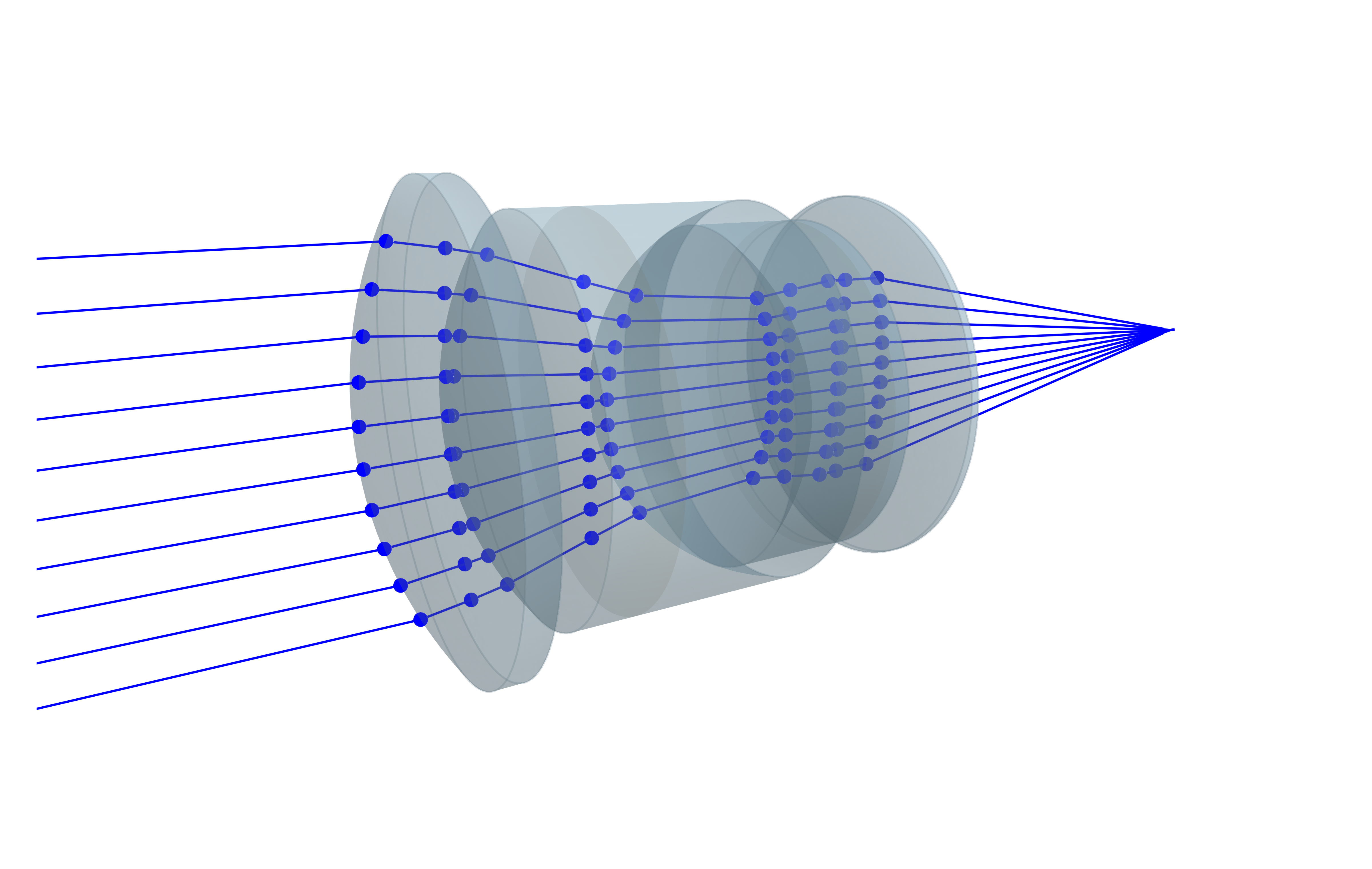
Sonnar comparison
The reference above compares the Double Gauss lens to a Sonnar lens (French patent 837616, scaled to the same effective focal length
The cemented triplets are modeled with the TripletLens type. The steep last surface of the front triplet only has a clear aperture of 40 mm, hence this triplet is assembled from individual Lenses with different SphericalSurface diameters. The rear triplet can be created directly with the SphericalTripletLens constructor.
s1 = SphericalLens(69.21e-3, 433.84e-3, 9.33e-3, 70e-3, λ -> 1.671)
# front triplet: last surface only has a clear aperture of 40 mm -> assembled from individual lenses
s2 = SphericalLens(35.86e-3, 85.87e-3, 11.81e-3, 60e-3, λ -> 1.671)
s3 = SphericalLens(85.87e-3, -646.31e-3, 7.05e-3, 60e-3, λ -> 1.4892)
s4 = Lens(SphericalSurface(-646.31e-3, 60e-3), SphericalSurface(23.51e-3, 40e-3), 1.9e-3, λ -> 1.7394)
translate3d!(s3, [0, thickness(s2), 0])
translate3d!(s4, [0, thickness(s2) + thickness(s3), 0])
s234 = TripletLens(s2, s3, s4)
s567 = SphericalTripletLens(Inf, 51.09e-3, -22.12e-3, -103.13e-3, 2.48e-3, 19.81e-3, 4.57e-3, 42e-3,
                            λ -> 1.5232, λ -> 1.6578, λ -> 1.5894)

# Calculate translation distances
s_234 = thickness(s1) + 0.38e-3
s_567 = s_234 + thickness(s234) + 13.0e-3 + 2.24e-3

# move elements into position
translate3d!(s234, [0, s_234, 0])
translate3d!(s567, [0, s_567, 0])

sonnar = StaticSystem([s1, s234, s567])The Sonnar is rendered with the same camera view as above. The rays fill the same relative aperture, which is larger in absolute terms due to the higher speed of the lens.
fig = Figure()
ax = LScene(fig[1,1])

render!(ax, sonnar)

zs = LinRange(-0.0267, 0.0267, 10)
for (i, z) in enumerate(zs)
    beam = Beam(Ray([0, -0.05, z], [0, 1, 0], λ))
    solve_system!(sonnar, beam)
    render!(ax, beam, flen=0.045)
end